Step-by-Step Walkthrough
How MeristemLabWorks
A step-by-step walkthrough of how tissue culture lab management software fits into your daily operations. From initial setup to production reporting.
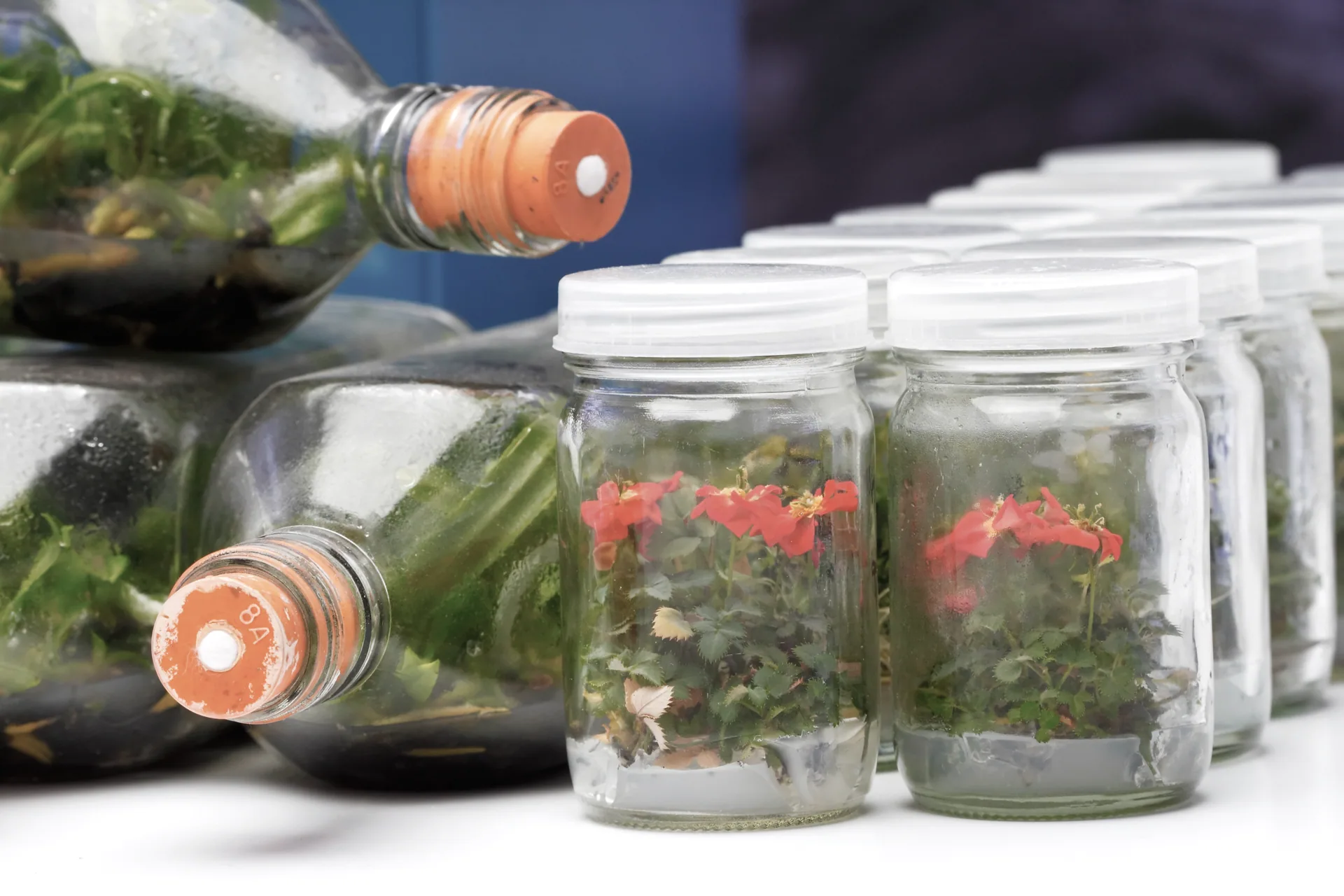
Set Up Your Lab
Configure the software to match your operation
When you first sign up, the onboarding process walks you through configuring MeristemLab for your specific lab. This includes:
- Naming your organisation and adding your facility details
- Choosing your terminology — call things what your lab actually calls them (e.g. "stock plants" vs "mother plants", "passages" vs "subcultures")
- Defining your culture stages to match your actual workflow (initiation, multiplication, rooting, hardening, or whatever stages you use)
- Adding custom fields for any species-specific or lab-specific data you need to track
- Setting up storage locations that mirror your physical lab layout — shelves, growth rooms, incubators
Tip: You can start with the defaults and adjust later. Many labs refine their configuration over the first few weeks as they discover what works best.
Register Mother Plants & Initiate Cultures
Build your digital inventory from the source material up
Every culture starts somewhere. MeristemLab tracks the full chain from source material through to final product:
- Register mother plants (or stock plants) with their species, provenance, source details, and any custom attributes
- Initiate new cultures from explants taken from registered mother plants — the system automatically links them
- Record the initiation date, media used, explant type, and operator
- Generate and print QR code labels so each culture vessel can be scanned for instant access to its record
- Use bulk import to bring in existing cultures from spreadsheets if you are migrating from another system
Tip: If you work with Australian native species, you might add custom fields for provenance data, phosphorus sensitivity, or phenolic browning scores.
Manage Media Recipes & Batches
Standardise your media preparation and track every batch
Media preparation is central to tissue culture success. MeristemLab helps you maintain consistency:
- Create and store media recipes with complete ingredient lists, concentrations, pH targets, and preparation notes
- Record each batch prepared from a recipe — who made it, when, the actual pH reading, sterilisation details
- Link media batches to the cultures grown on them, so you can trace any issue back to the media
- Manage stock solution inventories and track expiry dates
- Clone and modify existing recipes to create variations for different species or experimental conditions
Tip: When working with Proteaceae species like Banksia, you can create modified recipes with reduced phosphorus and tag them clearly so the right media goes to the right cultures.
Track Cultures Through Their Lifecycle
From initiation to disposition — every event recorded
The core of MeristemLab is culture lifecycle tracking. Each culture maintains a complete, auditable history:
- Record subculture (transfer/passage) events with dates, vessel counts, media used, and operator
- Log observations — growth vigour, colour, rooting, contamination signs, or any custom observation fields
- Track stage progression as cultures move through your defined workflow stages
- View full lineage trees showing parent-child relationships across generations
- Record health assessments and flag cultures that need attention
- Update culture locations as they move between growth rooms, shelves, or facilities
Tip: QR code scanning makes daily observation rounds faster. Walk through the growth room with a tablet, scan each vessel, and log observations directly against the right record.
Monitor Contamination
Log incidents, spot patterns, reduce losses
Contamination management goes beyond just discarding affected cultures. MeristemLab helps you understand why contamination happens:
- Log contamination incidents with type (bacterial, fungal, yeast), severity, and affected cultures
- Record the location in the growth room, the media batch, and the operator who last handled the culture
- View contamination analytics — rates over time, by location, by species, by media batch, or by operator
- Identify patterns such as seasonal spikes, location-specific problems, or media-related issues
- Set up contamination alerts to notify you when rates exceed your defined thresholds
Tip: Labs in warm, humid climates (common across much of Australia) often see seasonal contamination patterns. Consistent digital logging makes these patterns visible so you can act on them.
Label Everything with QR Codes
Scan to access any record instantly
QR codes bridge the gap between physical lab work and digital records:
- Generate QR codes for cultures, mother plants, storage locations, equipment, and media batches
- Print labels directly from the system — supports various label sizes and formats
- Scan codes with any smartphone or tablet camera to instantly open the corresponding record
- Use scanning during transfers to quickly log which cultures were moved and where they went
- Batch print labels for bulk operations like media preparation or large subculture sessions
Tip: Even a basic smartphone works as a scanner. No specialised hardware required — though dedicated barcode scanners are also supported if you prefer them.
Plan Production & Fulfil Orders
Forecast output, schedule work, and track customer orders
For commercial labs, production planning ties culture management to business operations:
- Create production schedules based on current culture quantities and expected multiplication rates
- Manage customer orders with species, quantities, and delivery dates
- Track order fulfilment from production through to dispatch
- Assign tasks to team members with due dates and priority levels
- Use production forecasting to estimate when orders can be filled based on current growth rates
Tip: This is where the data you have been collecting pays off. Knowing your actual multiplication rates and contamination losses means your forecasts are based on real numbers, not guesses.
Collaborate with Your Team
Role-based access for teams of any size
MeristemLab is built for team use, not just individual record-keeping:
- Invite team members with email invitations
- Assign roles with granular permissions — lab technicians might record observations while managers access reports and analytics
- Track who made changes with a comprehensive audit log
- Use task assignment to distribute daily work across the team
- Multiple team members can work simultaneously — changes are reflected in real time
Tip: Even if you are a one-person lab today, setting up proper records now means a new hire can get up to speed quickly by reviewing the culture history and established protocols.
Analyse and Report
Turn your data into actionable insights
All the data you collect feeds into analytics and reporting tools:
- Dashboard overview with key metrics — active cultures, contamination rates, production status
- Culture analytics showing multiplication rates, stage progression, and survival rates over time
- Contamination analytics with trend analysis and pattern detection
- Production reports for output tracking and capacity planning
- Export reports as CSV, Excel, or PDF for external use or record-keeping
- Schedule automated reports to be generated on a regular basis
Tip: Start simple. The dashboard gives you an immediate overview. As your data history grows, the analytics become increasingly valuable for identifying trends and optimising your operation.
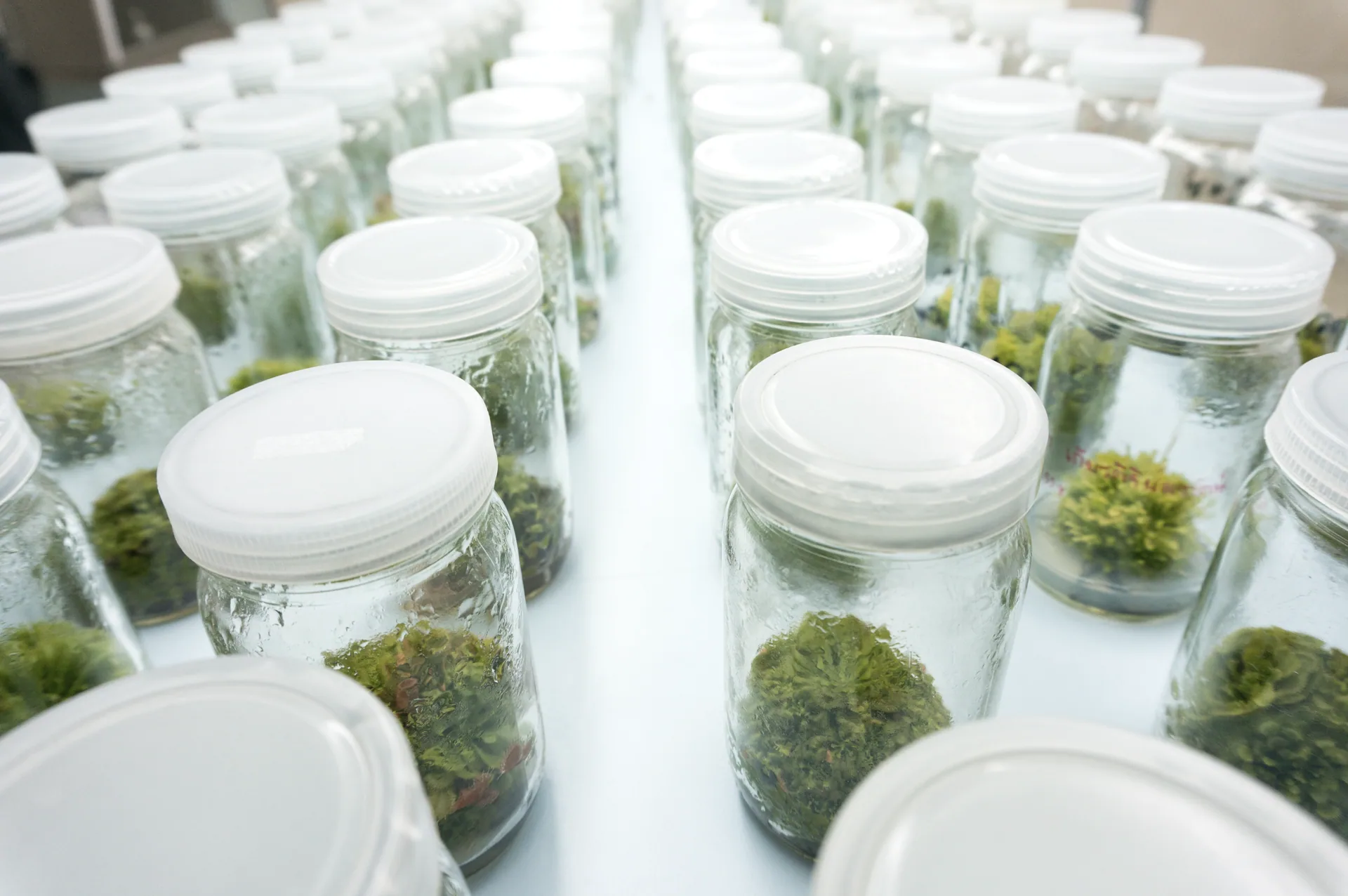
What Makes MeristemLab Different
Purpose-built for tissue culture — not a generic tool adapted after the fact.
Built for Tissue Culture
Not a generic lab system adapted for plants. Every feature is designed around micropropagation workflows — culture lineage, subculture scheduling, media management, and contamination tracking.
Fully Customisable
Your terminology, your stages, your fields. The software adapts to how your lab works, not the other way around. No coding or IT support needed to make changes.
Data That Works for You
Every record you create builds a dataset that drives better decisions — from contamination pattern detection to production forecasting. The longer you use it, the more valuable it becomes.
Start Managing Your Lab Today
The free Hobby tier gives you everything you need to get started with up to 50 cultures. No credit card, no commitment.
Have questions? Check our FAQ or get in touch.